
For coaches and team managers running home matches.
You’re halfway to the ground and it hits you. Did anyone pick up the corner flags? Is the key to the container still in last week’s coat? Has the referee actually confirmed?
A home match looks simple from the touchline. Behind it sits a long list of jobs, most of them done by one volunteer coach, and most of them kept in that coach’s head. Here is the list, written down, in the order the jobs come. Copy it, change it to suit your club, and share it with whoever helps you.
Your league’s rules come first. Deadlines for confirming fixtures and sending in results vary from league to league, so check your handbook and add them to your list.
The week before
- Get the pitch and kick-off time confirmed by your club’s fixtures secretary.
- Find out who is refereeing. Wait for the league or the referees’ secretary to appoint one, or arrange your own if your league allows it.
- Get contact details for the opposition coach and the referee.
- Confirm the fixture with the opposition and the referee: date, kick-off, venue, colours and where to park.
- Tell your own players and parents the meet time, kit and venue, and anything different from usual.
- Ask for availability, and chase anyone who hasn’t answered.
- Pick the squad and prepare the team sheet.
- If you’re not playing at your main ground, arrange to collect the keys.
On match day, before kick-off
- Collect the keys and open up.
- Walk the pitch for safety: glass, holes, dog mess, anything that shouldn’t be there.
- Put up the goals and nets, and check they’re secured so they can’t tip over.
- Put out the corner flags, and the respect barrier if your league uses one.
- Check the first-aid kit is there and stocked, with water and ice packs.
- Exchange team sheets with the opposition and the referee.
- Do the player ID check, if your league uses ID cards.
- Line up for the pre-match handshake.
- Kick off.
After the final whistle
- Shake hands after the match.
- Take down the nets, goals and flags, and lock up.
- Return the keys.
- Send the score to the league, by its deadline and in the way it asks for.
- Complete the match report card, if your league uses one.
- Tell your players and parents how it went, and when the next game is.
Share the load
That’s more than twenty jobs, and a coach who does them all alone has little left for the coaching. A few ways to spread them:
- Give each job to a named person. One parent does the nets and flags, another the first-aid kit, your assistant the team sheets. A job anyone could do tends to be a job nobody does.
- Keep admin to set times. Fifteen minutes on a Tuesday evening for the week’s confirmations beats answering messages all week.
- Write it down once. A list in one person’s head leaves with them. A written list means someone else can step in when you’re ill or away.
- Keep the details in one place. When the kick-off, venue and meet time live in one event rather than five group chats, everyone works from the same information.
How YourZown helps
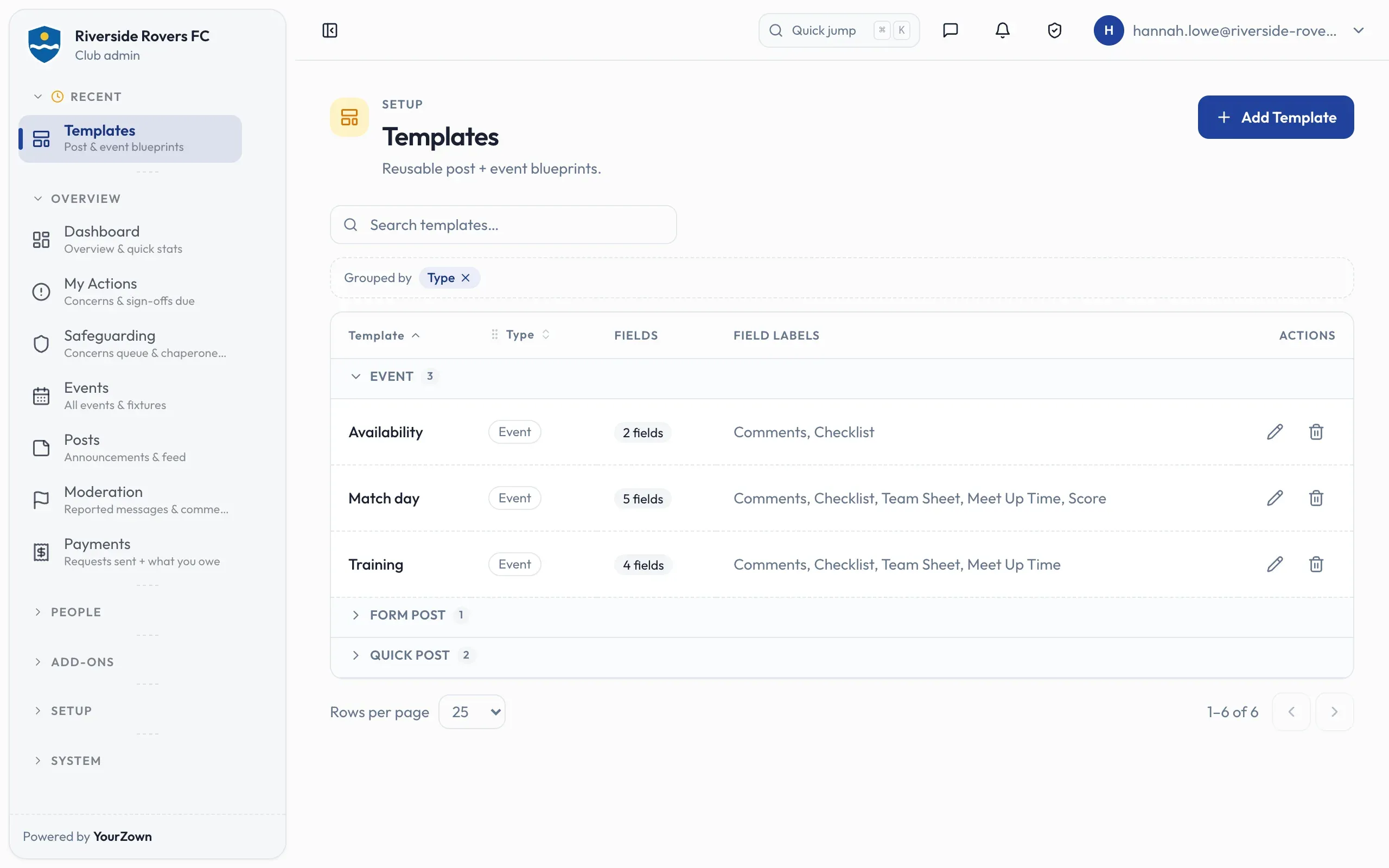
- Add a checklist to your Match day event template once, and every match made from that template carries the same list.
- The event’s coaches tick items off on their phone, and each tick shows who did it and when.
- Players and parents answer Going, Maybe or Not going. The referee and the opposition coach can answer from a private link, with no app needed.
- The kick-off, venue, meet-up time and team sheet live on the event, so everyone sees the same details.
See how event templates work, or book a demo and bring your own match-day list: we’ll show you how it looks as a template.