
Shared structure
Clubs keep their branding and operating rhythm while the league works from the cross-club view it needs.
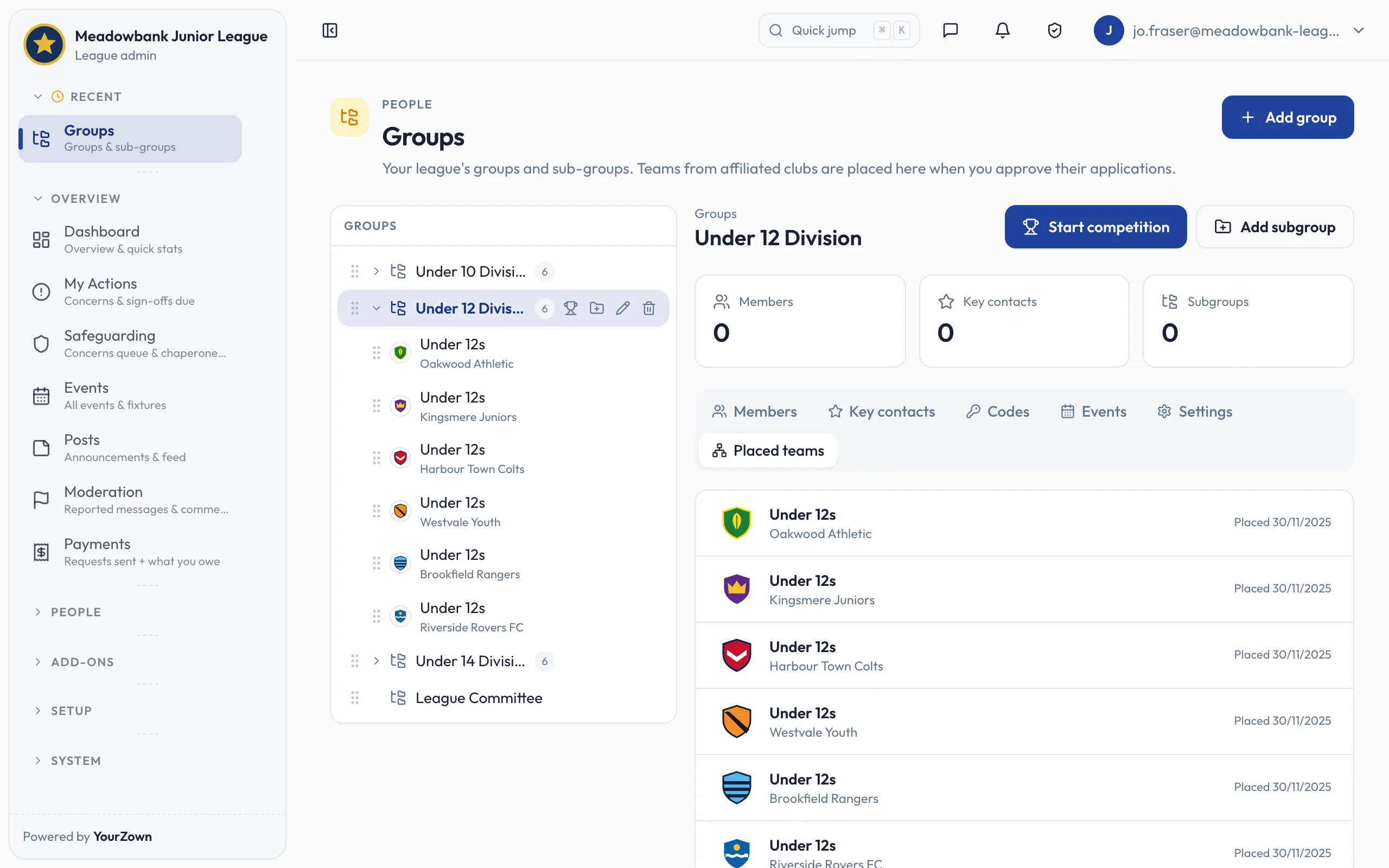
Run leagues and associations across many clubs with shared fixtures, affiliation forms and a named contact at every club, while each club keeps its own identity.
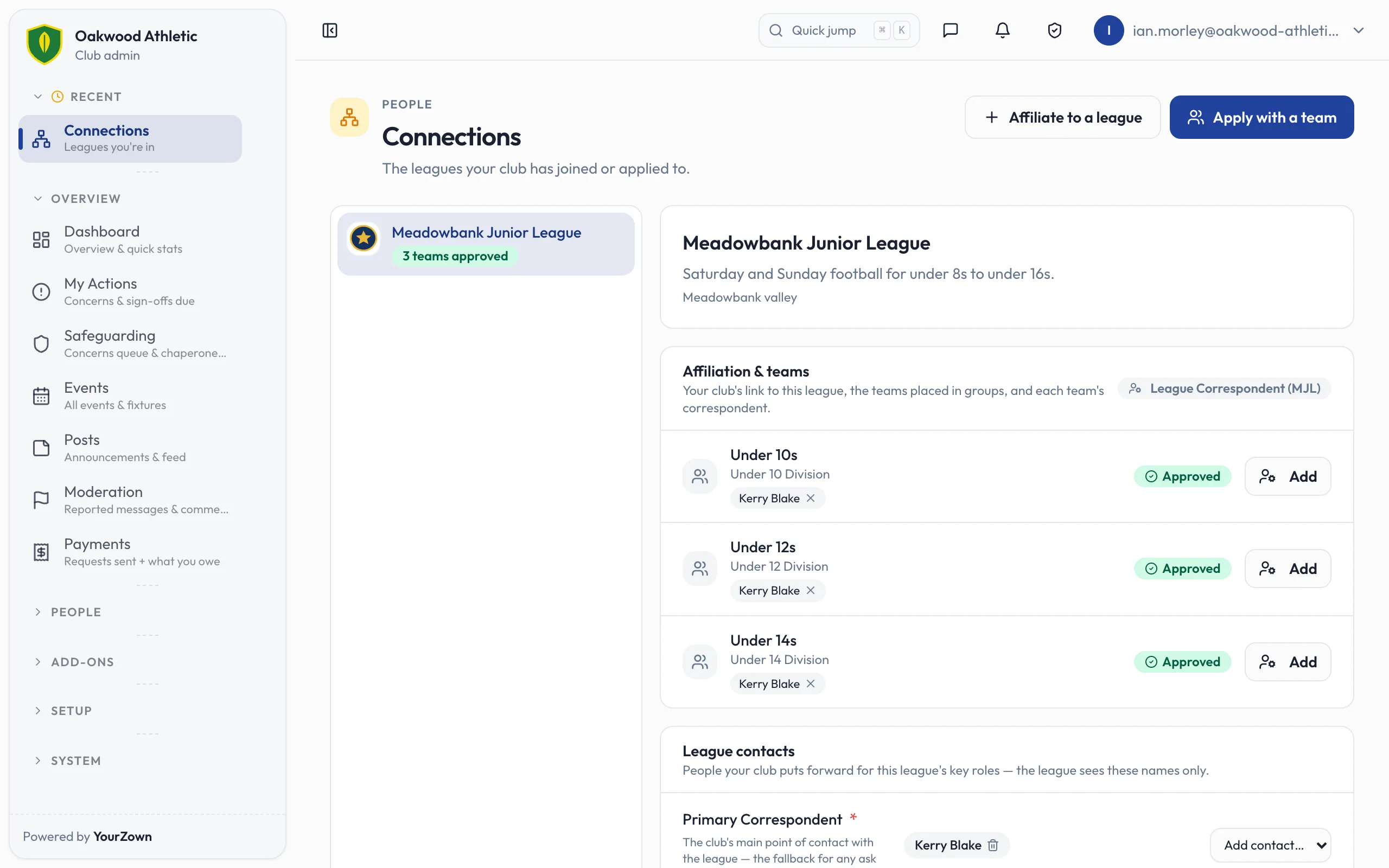
Clubs keep their branding and operating rhythm while the league works from the cross-club view it needs.
Clubs apply through your own online form, fix anything you send back and reapply without re-keying their details.
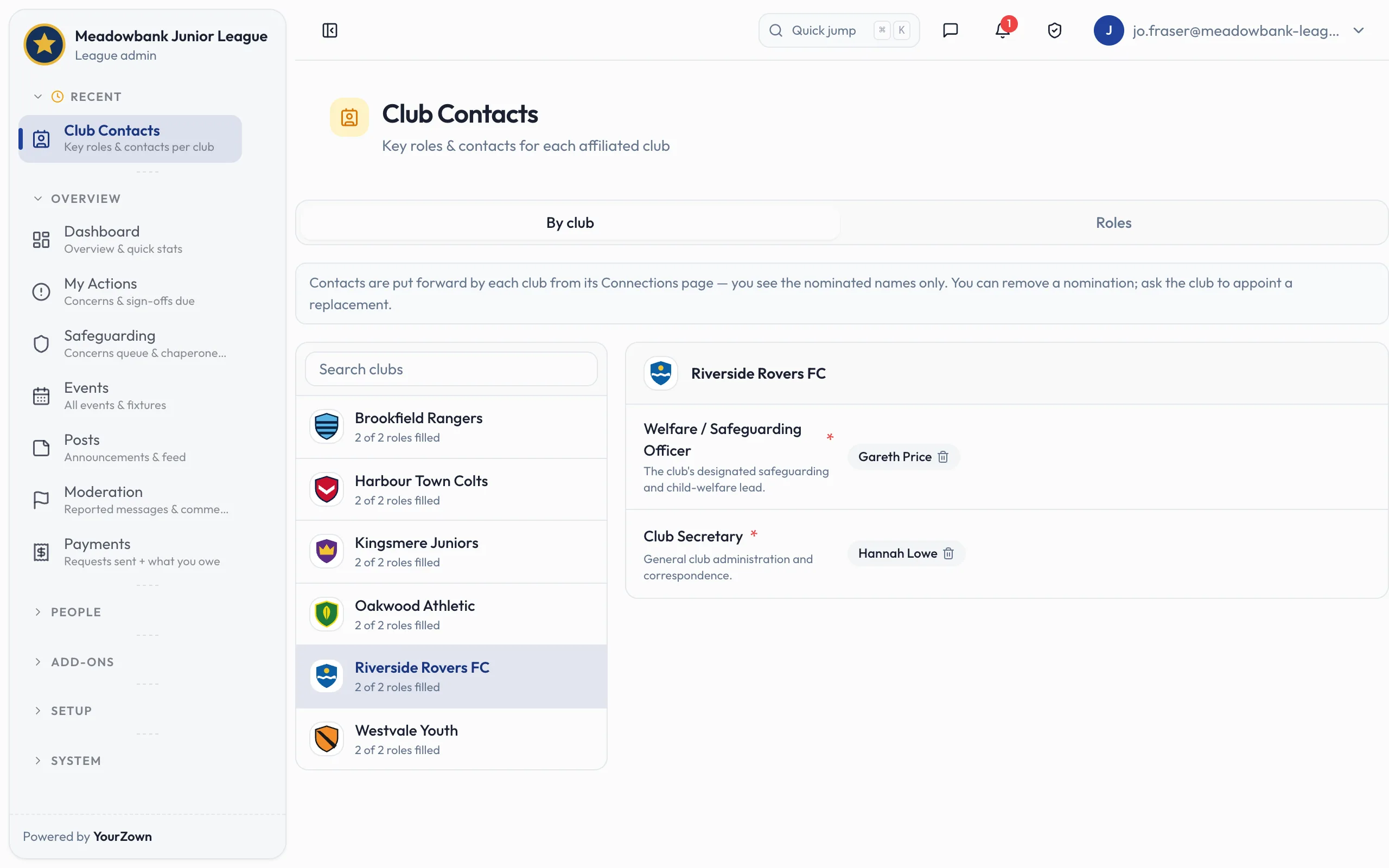
Collect the same affiliation details from every club, and keep the contacts you ask each club to name, such as its welfare officer, in one place. Member records stay with the club.
Clubs apply through your configured affiliation form, keeping the application connected to their organisation. Review the answers alongside it, then send back anything that needs correcting so the club can fix and reapply without re-keying its details.
How league affiliation works Book a demo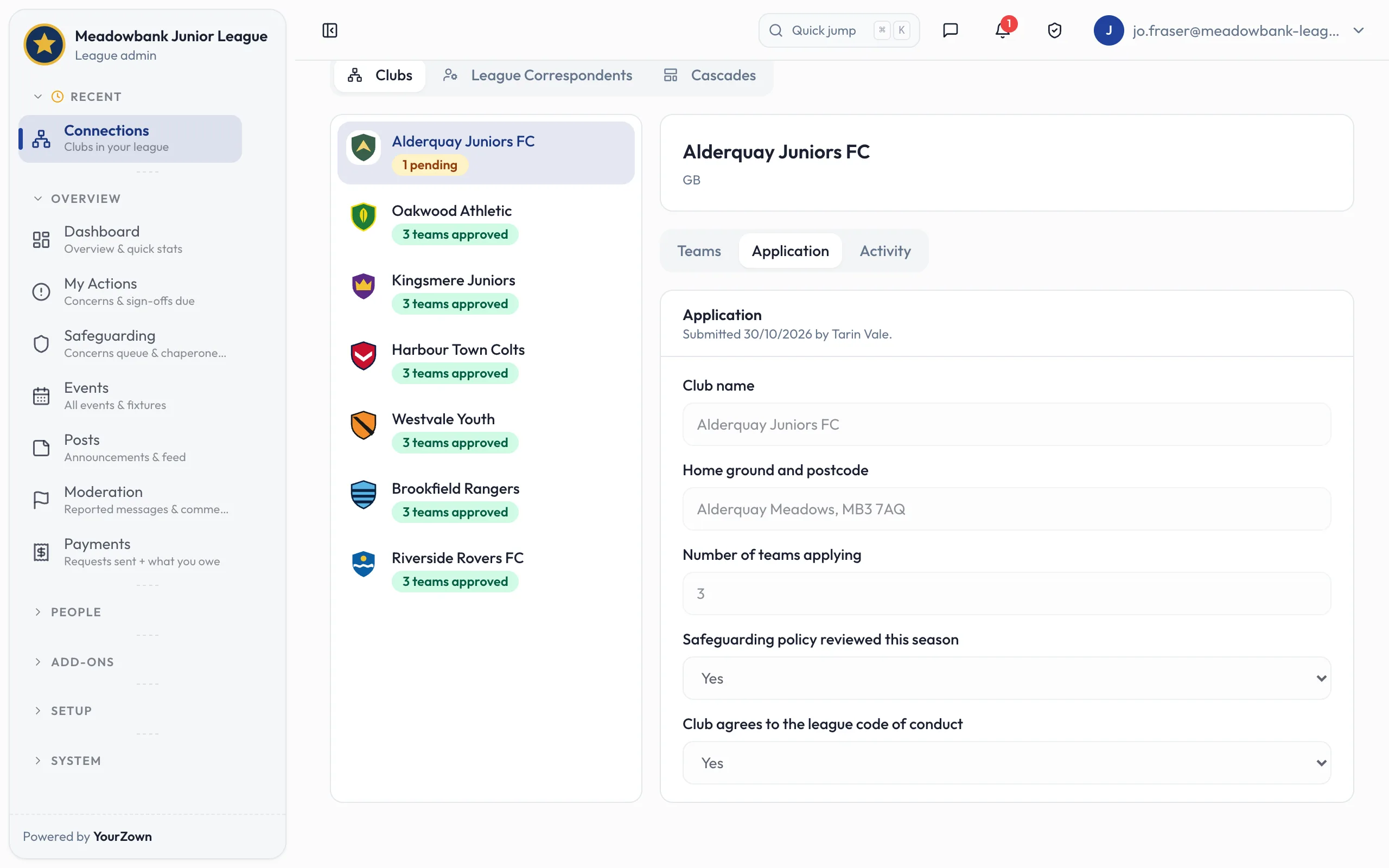
Ask each affiliated club to name the contacts your association needs, such as its welfare officer and club secretary. Keep those named contacts together in the league view while member records stay with the club, so the association knows who to contact.
Book a demoEach club keeps its own identity and member records; the league keeps shared fixtures and the contacts each club names.
How club information is handledSome connected workflows work best when clubs participate directly; others can sit alongside existing tools. We’ll show you the difference using your club landscape.
Yes. Invite any club by email and your invitation is waiting when they sign up.
Clubs can apply through your configured affiliation form, respond to any missing information and keep the application connected to their organisation.
Where your league runs on YourZown, a cross-club fixture can connect calendars, communication, eligibility and results. Fixture and result work uses the Competitions power-up, currently in beta. We’ll show which connected workflows fit your club landscape.
Book a walkthrough shaped around the people doing the work.