
Keep each organisation in its own lane.
Every record is tied to its club, and for requests made in a club’s name the database itself refuses to return another club’s records.
How YourZown handles access, consent and accountability, and what we can show you.
We keep the marketing language plain, then go deeper with your IT lead, DPO or safeguarding owner when the organisation needs technical detail and supporting evidence.
How YourZown helps your club keep children safeEvery record is tied to its club, and for requests made in a club’s name the database itself refuses to return another club’s records.
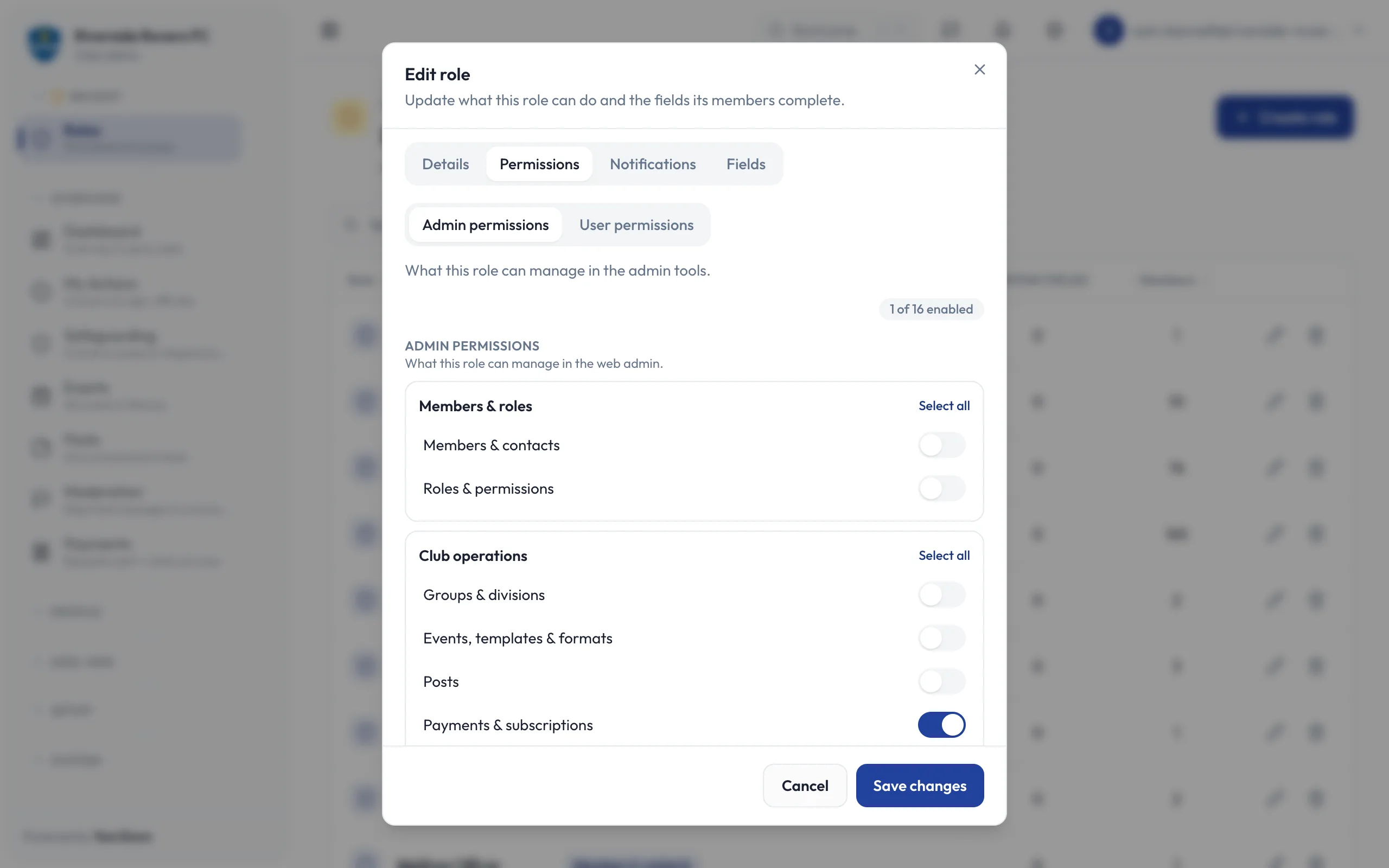
Admins sign in with a password, an emailed link, Google, Apple or a passkey. Each role opens only the screens its permissions allow, so a treasurer can be given payments and nothing else.
Data is encrypted in transit and at rest, and the database is in London. Medical details, ethnicity and photo consent are treated as special-category data.
Changes to member records, consents, roles and other sensitive records keep a before-and-after history club users can’t edit, and every time an admin opens, exports or erases a member’s full record, it is logged.
From a member’s Privacy tab, an admin can download that member’s data or erase it. Erasing removes your club’s copy; other clubs the person belongs to keep their own.
In the UK (London) on Google Cloud: servers, database and files. Email (Resend, US), sign-in and push (Google Firebase, Apple), payments (Stripe), error reporting (Sentry) and the AI provider (US) run outside the UK.
No. Every record is tied to its club, and for requests made in a club’s name the database itself refuses to return another club’s records.
No. Stripe takes payments into your club’s own Stripe account, and card details never reach YourZown.
Encrypted by the app with a separate key before they’re saved, on top of the hosting provider’s encryption. Only people with member-management rights can open them, and every view of a record is logged.
Your admins, and anyone whose role you give an admin permission (a treasurer with payments, say), can sign in to the web admin, and each sees only the screens those permissions open. A child’s own login is restricted. Chaperoned chats can be reviewed only by your safeguarding contacts and YourZown’s platform administrators.
Changes to member records, consents, roles and other sensitive records keep a before-and-after history club users can’t edit, and every time an admin opens, exports or erases a member’s full record, it is logged.
An admin can download or erase a member’s record, and members can delete their own account. Some records are kept where the law requires.
A concerns queue and the chaperoned-chat record. DBS and first-aid expiry reminders go to the person and to the club’s admins.
Book a walkthrough and bring the questions that matter to your organisation.