
Custom fields
Choose the field type and validation that fit the question. Mark a field as sensitive and its answers are stored encrypted.
Registration, renewal and event forms that ask only what your club needs.
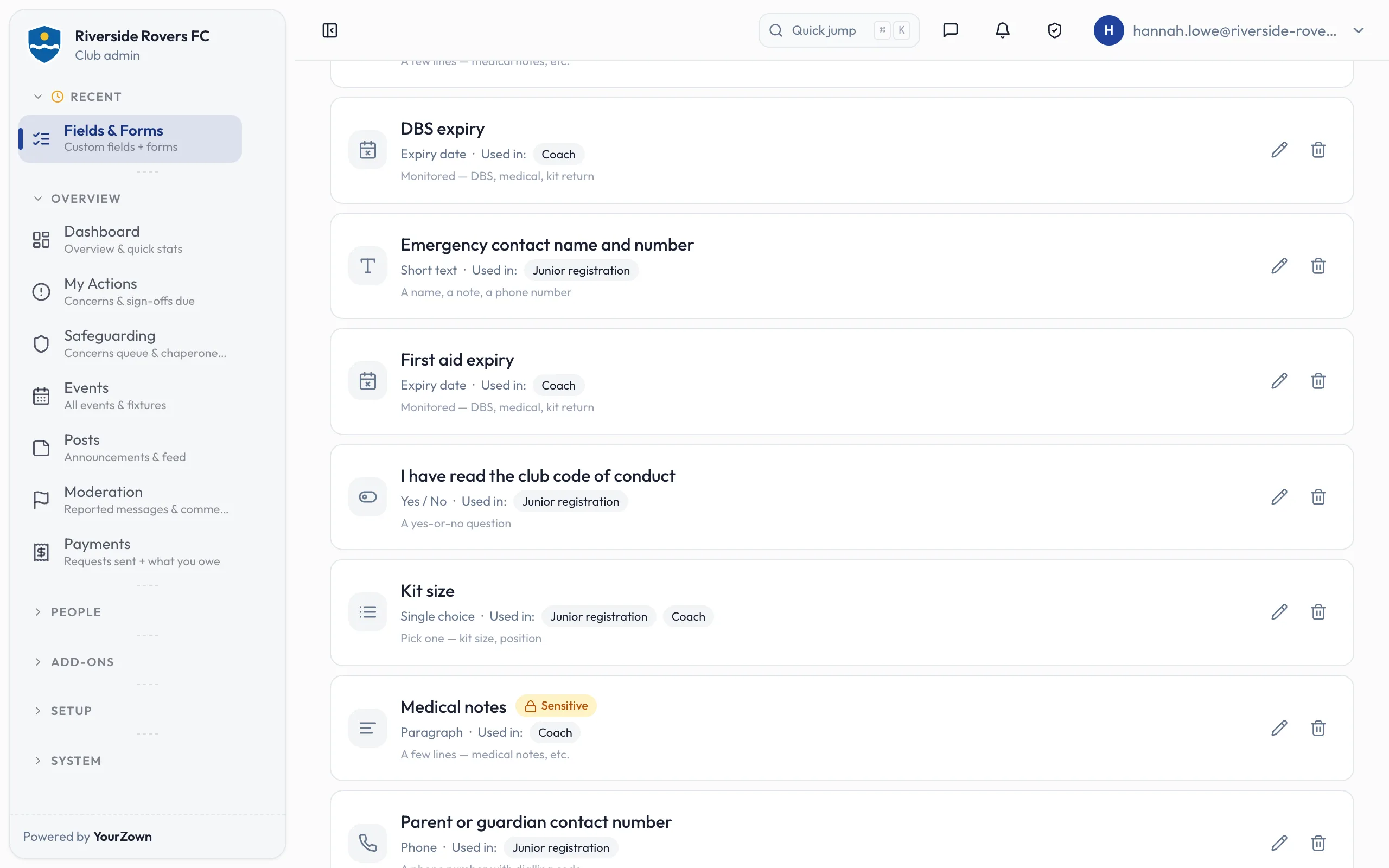
Choose the field type and validation that fit the question. Mark a field as sensitive and its answers are stored encrypted.
Build registration and sign-up forms that ask for exactly what your club needs, not a fixed, generic template. Re-use them across your sections and seasons.
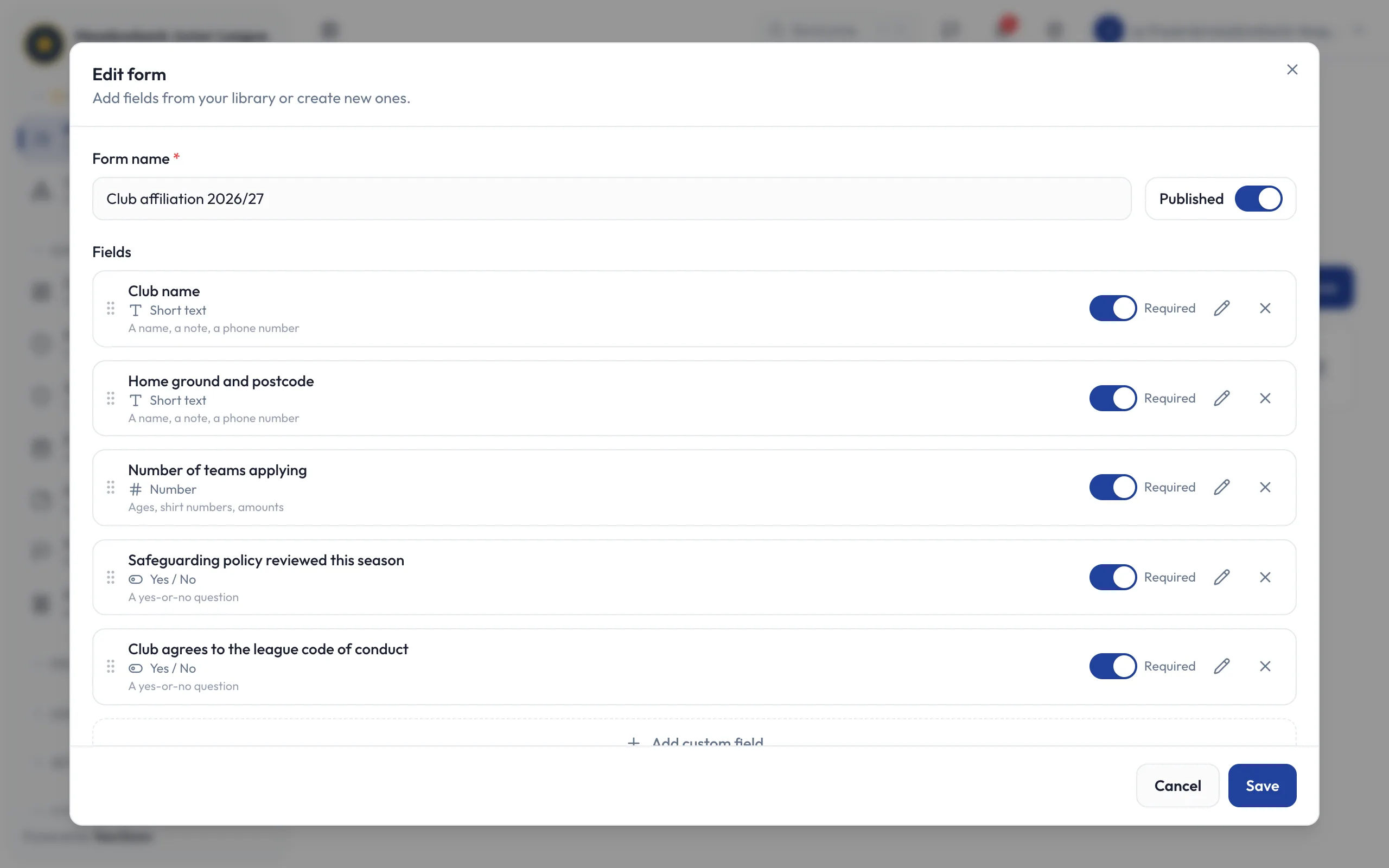
When you run a league, build an affiliation form. Add conditional questions with the Conditional logic power-up so clubs answer only what applies to them. Their answers land right next to the application.
Add custom fields to members, teams and events, choosing from more than 20 field types. Record monitored expiry dates, offer a kit-size choice or collect medical notes. Mark a field sensitive to store its answers encrypted.
How sensitive information is handled Book a demoTurn an existing club form into a registration flow with the questions you need. Share section sign-ups with a join code, and approve each application before anyone is added. Reuse the form across sections and seasons rather than starting again.
Book a demo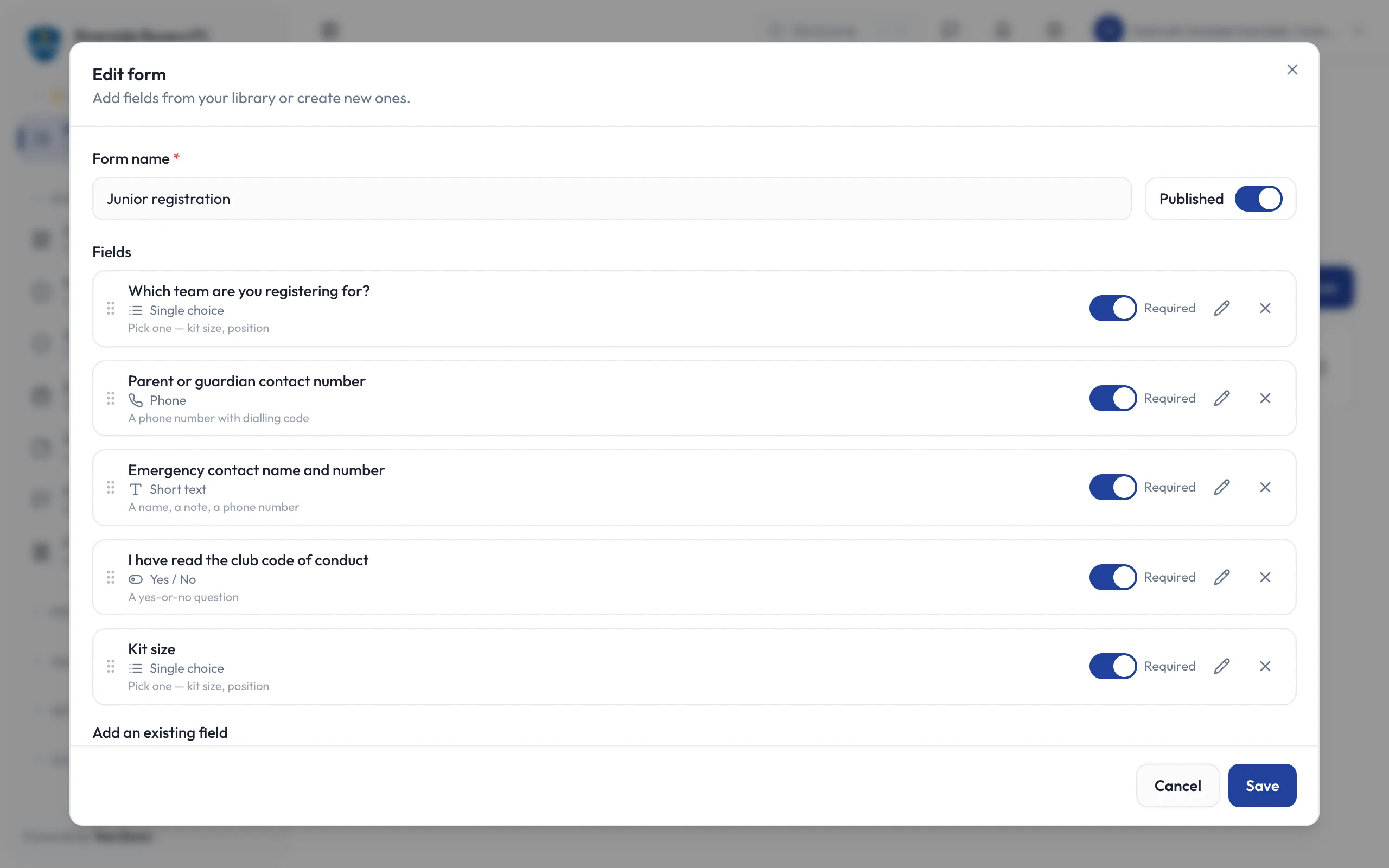
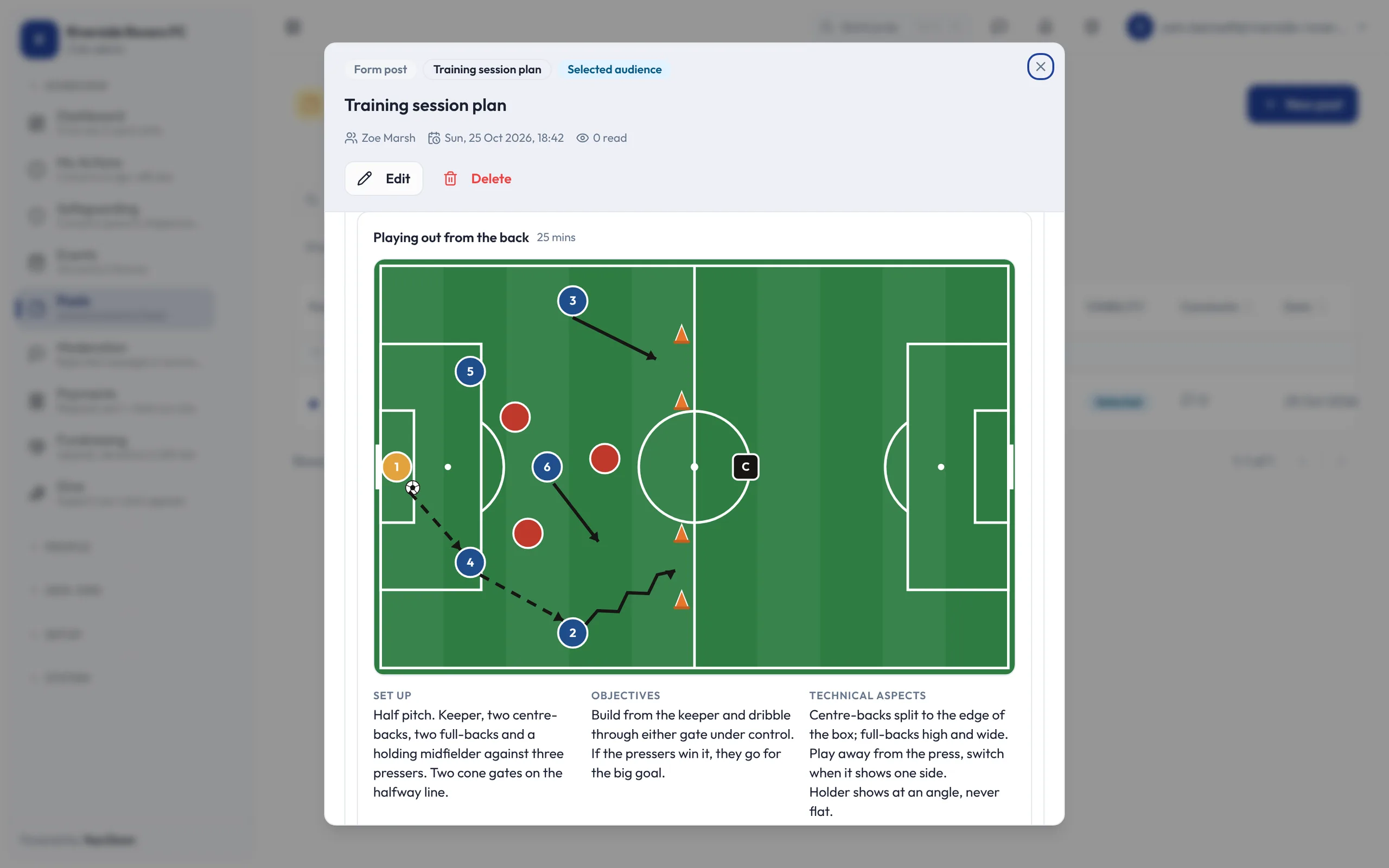
Draw each drill on a pitch or court for your sport, add the set-up, objectives and timings, and share the plan with your team as a post.
Every club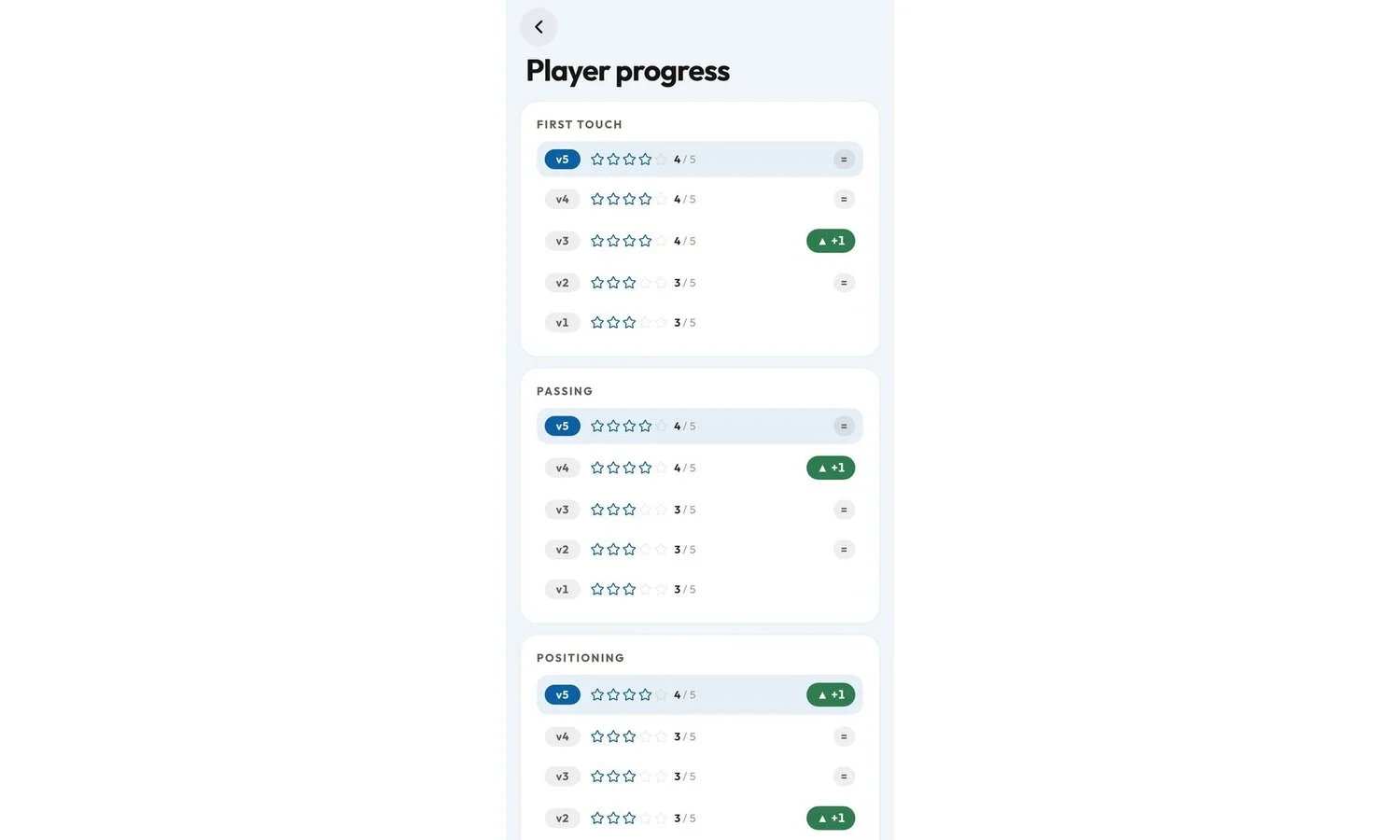
Score a whole session against your own criteria, on the web or pitch-side in the app. Each player and their parents see only their own feedback, and every assessment is kept so you can follow their progress.
Assessment power-up · betaBuild your own report form, send every report straight to the right people, such as your safeguarding team, and keep medical answers encrypted. Turn on versions and every change is kept, with the reason for it.
Every clubFields marked sensitive store their answers encrypted; registration applications are approved before anyone is added.
How club information is handledConfiguration is designed for committee administrators. We’ll show you which changes your team can make directly and where support is useful.
Bring one real job from your week and we’ll put it at the centre of the walkthrough.