
Club Website
A public website for your club, built from what you already keep
For clubsBeta
Highlights
- A public website made from your YourZown details
- Your upcoming public events, each with its own page
- Its own address, with Copy link and a QR code
- Your logo and colours, with nothing to design
- Join button, plus Donate with Fundraising
Most clubs need a simple website and few have the time to build one. Club Website makes one for you from what your club already keeps in YourZown, so it stays up to date without anyone having to look after it.
What you get
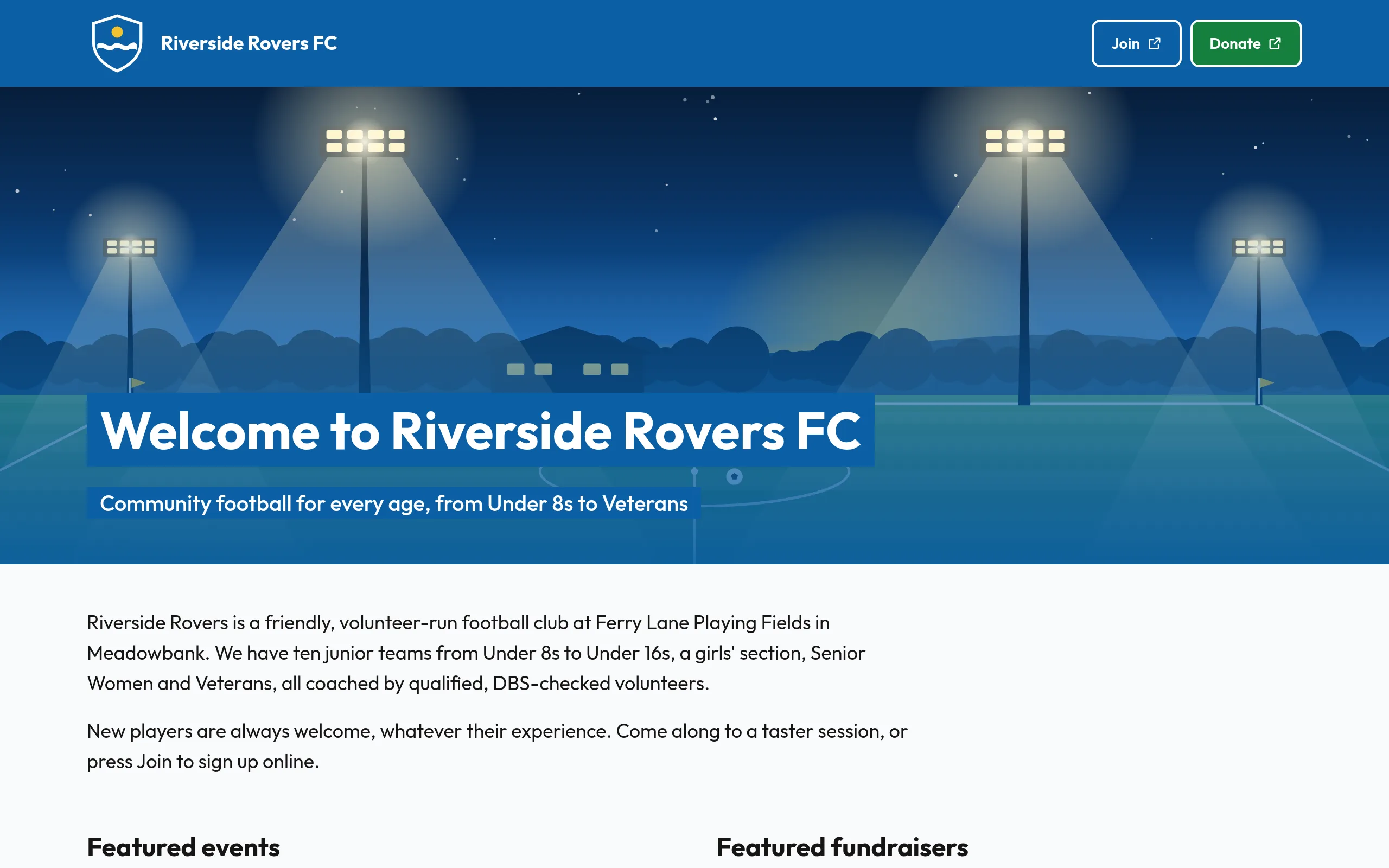
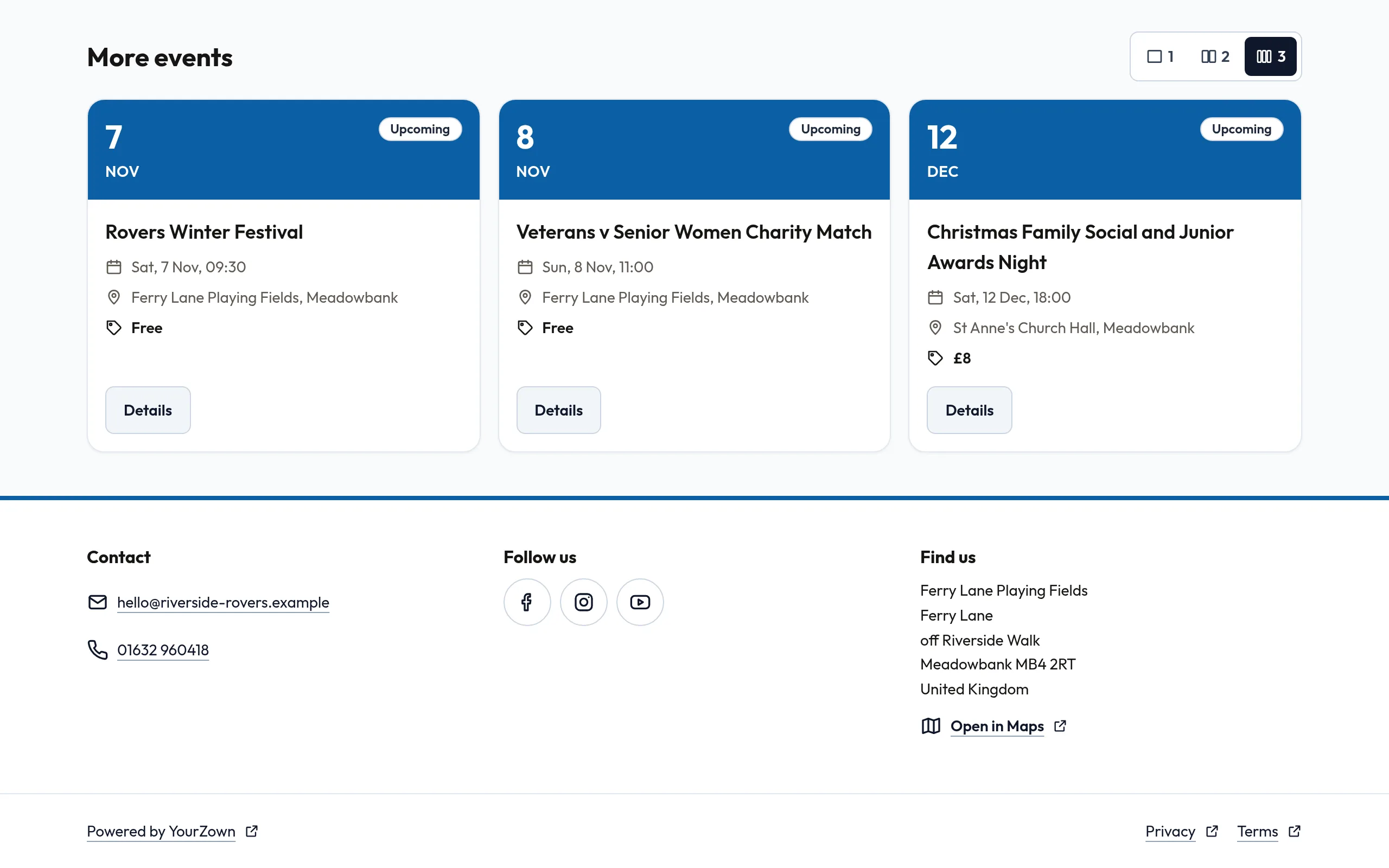
- A home page with your logo, colours and banner, a welcome heading and introduction, your contact details, social links and, if you choose, your address with a link to open it in a map.
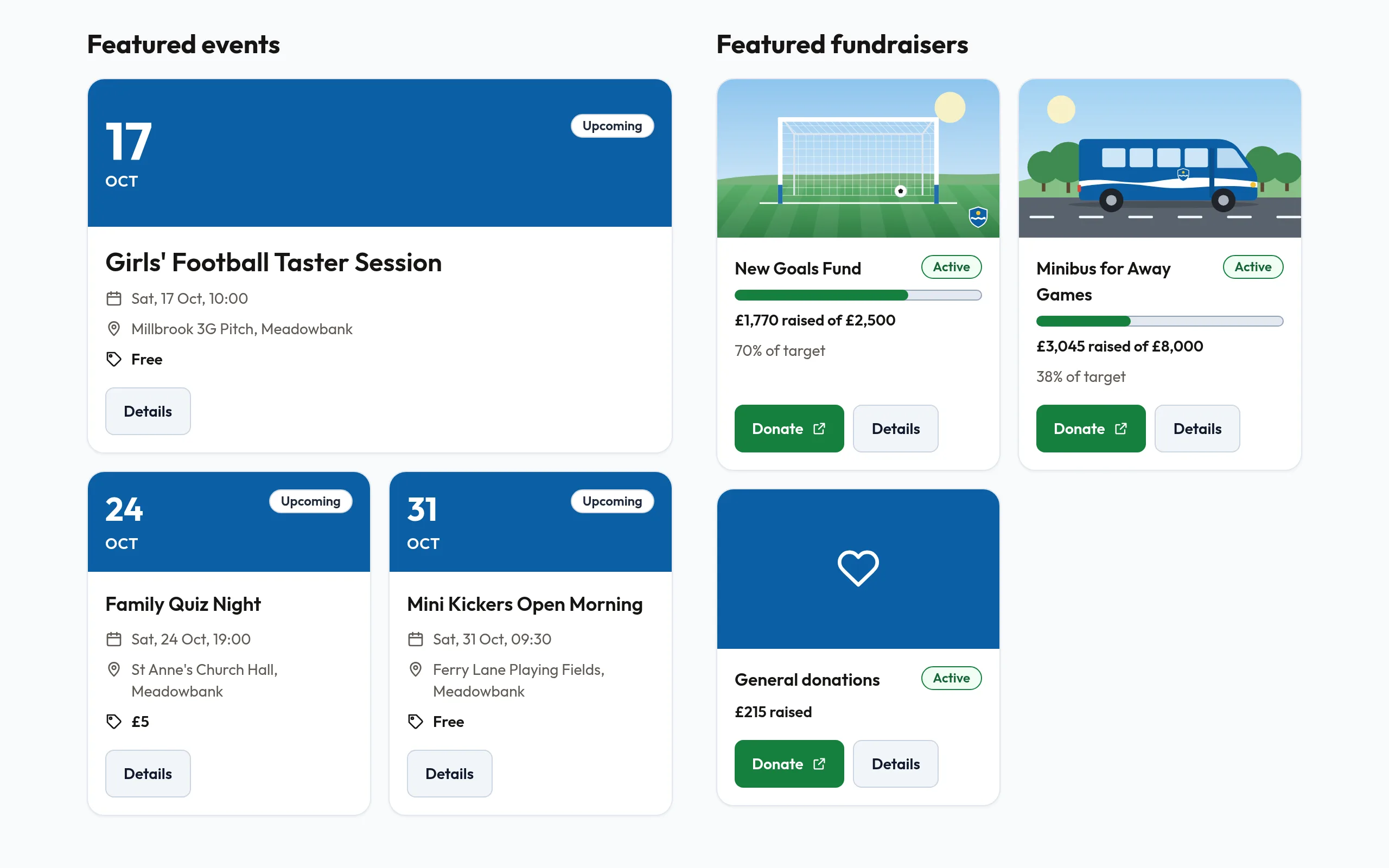
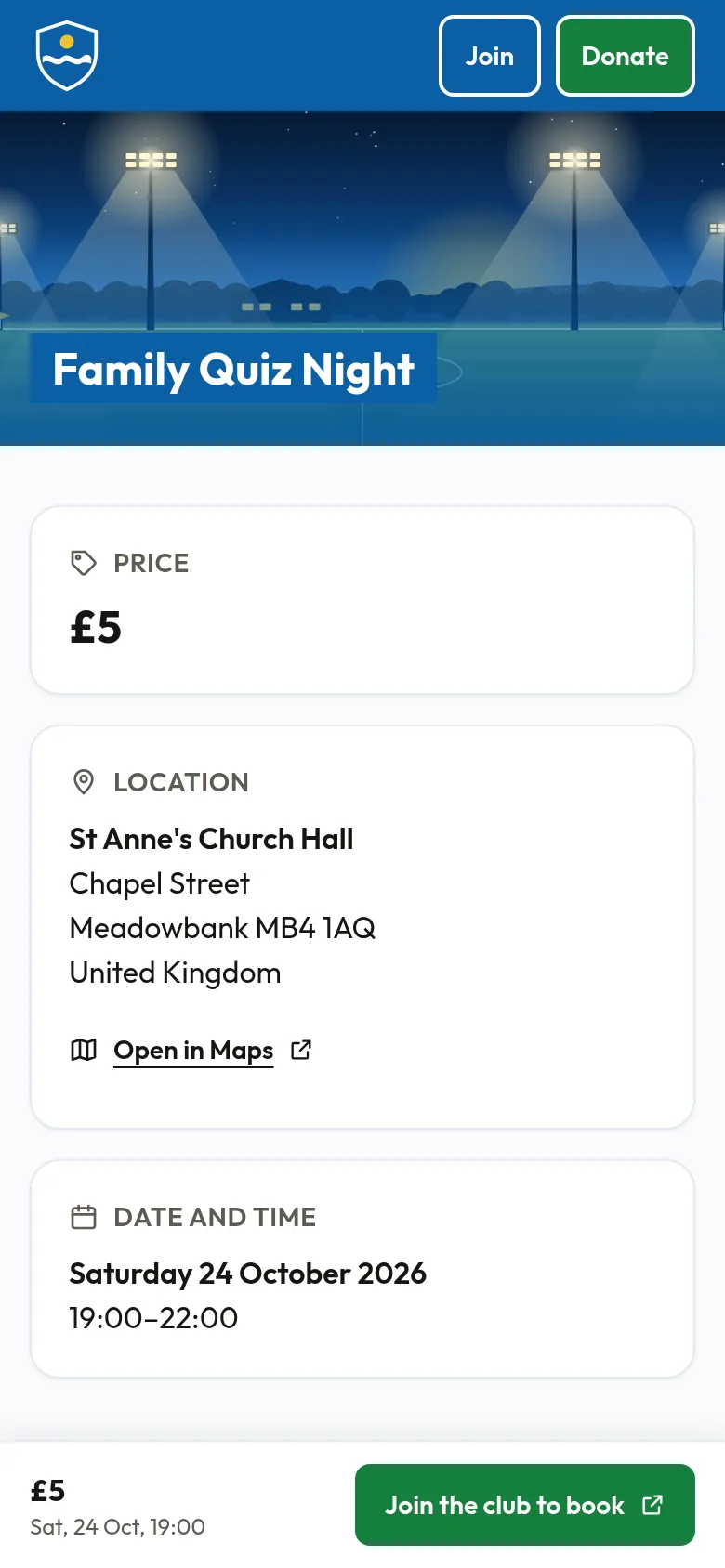
- Your upcoming public events, each with its own page.
- A Join button that takes visitors to your club's join page, and a Donate button when Fundraising is switched on.
- A page for each public appeal, showing its progress, when Fundraising is switched on.
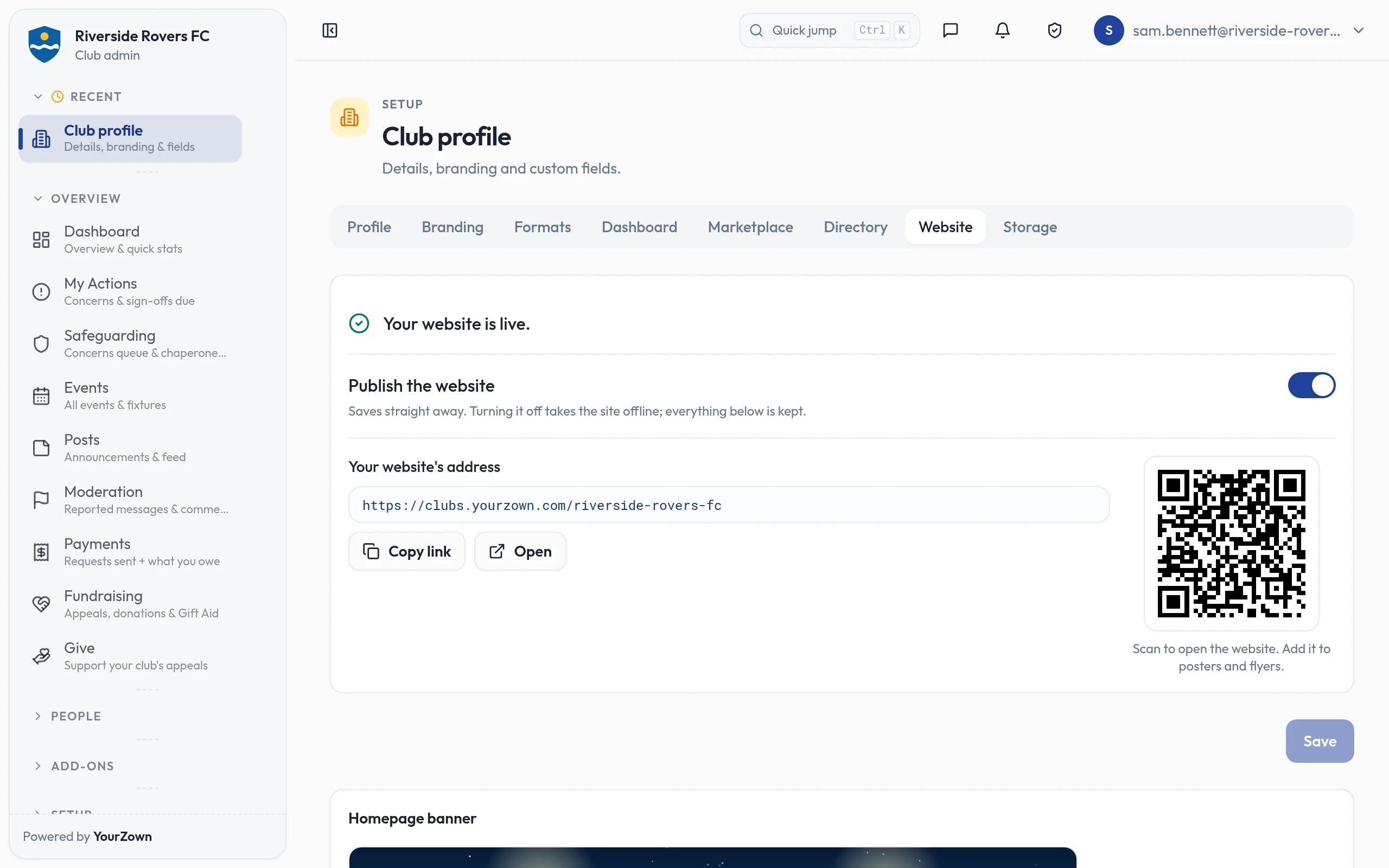
- An address of its own to share, with a Copy link button and a QR code for posters and flyers.
- Tidy link previews showing your logo and colours when the address is shared on WhatsApp, Facebook or LinkedIn.
How it works
- Fill in the Website tab in Club Profile and press Save, then switch the site on.
- The address comes from the web address on your Directory tab. Your club does not have to be listed in the directory.
- Only what you publish appears: private, past and cancelled events never do.
- The site's own wording appears in your club's language.
- Switching the site off takes it offline within a minute. Your settings are kept for next time.
Screens
Works with
- Fundraising: adds a Donate button and a page for each public appeal.
- Club directory: the site's address comes from the web address on your Directory tab, and your club does not have to be listed.
Free while in beta
In beta: ask us for early access. Only what you publish appears: private, past and cancelled events never do.